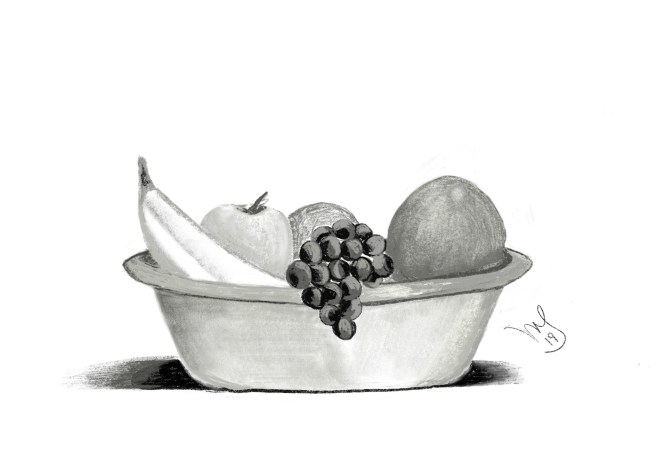
This time the theme was fruits and vegetables. Once again, I went digital for this challenge. However, though I’m using a modern technique, I chose a timeless classic for my still life subject: A bowl of fruit.
All my creative pursuits.

This time the theme was fruits and vegetables. Once again, I went digital for this challenge. However, though I’m using a modern technique, I chose a timeless classic for my still life subject: A bowl of fruit.
I’ve packed up all my art supplies save for one large and one small sketchbook. Even with these left to use, I decided to try another piece using Procreate and the iPad. There is definitely a learning curve but I’m enjoying the process. The program has some really cool features to explore too. I used the ‘clouds’ effect for the backdrop of my drawing this week. Here is my hummingbird –one of the most delightful creatures on this little patch of Bucks County.

I recently upgraded my iPad and treated myself to the Pro with the Apple Pencil. I have never tried doing any sort of digital art but on the recommendation of another artist friend, I thought I’d try. So much fun! The app I bought for drawing is called Procreate and it lets you simulate a whole bunch of media: painting with different brushes, drawing with a range of pencils and ink, calligraphy, and technical pencils, pastels, charcoal and crayon even. If any of you has the iPad Pro and pencil, give this program a try. It’s 9.99 in the App Store and worth every penny. I will not be hanging up my sketchbook or canvases any time soon but this is a really fun alternative. Here is my first digital drawing – a tree!
 Meg Sorick, Author/Artist